
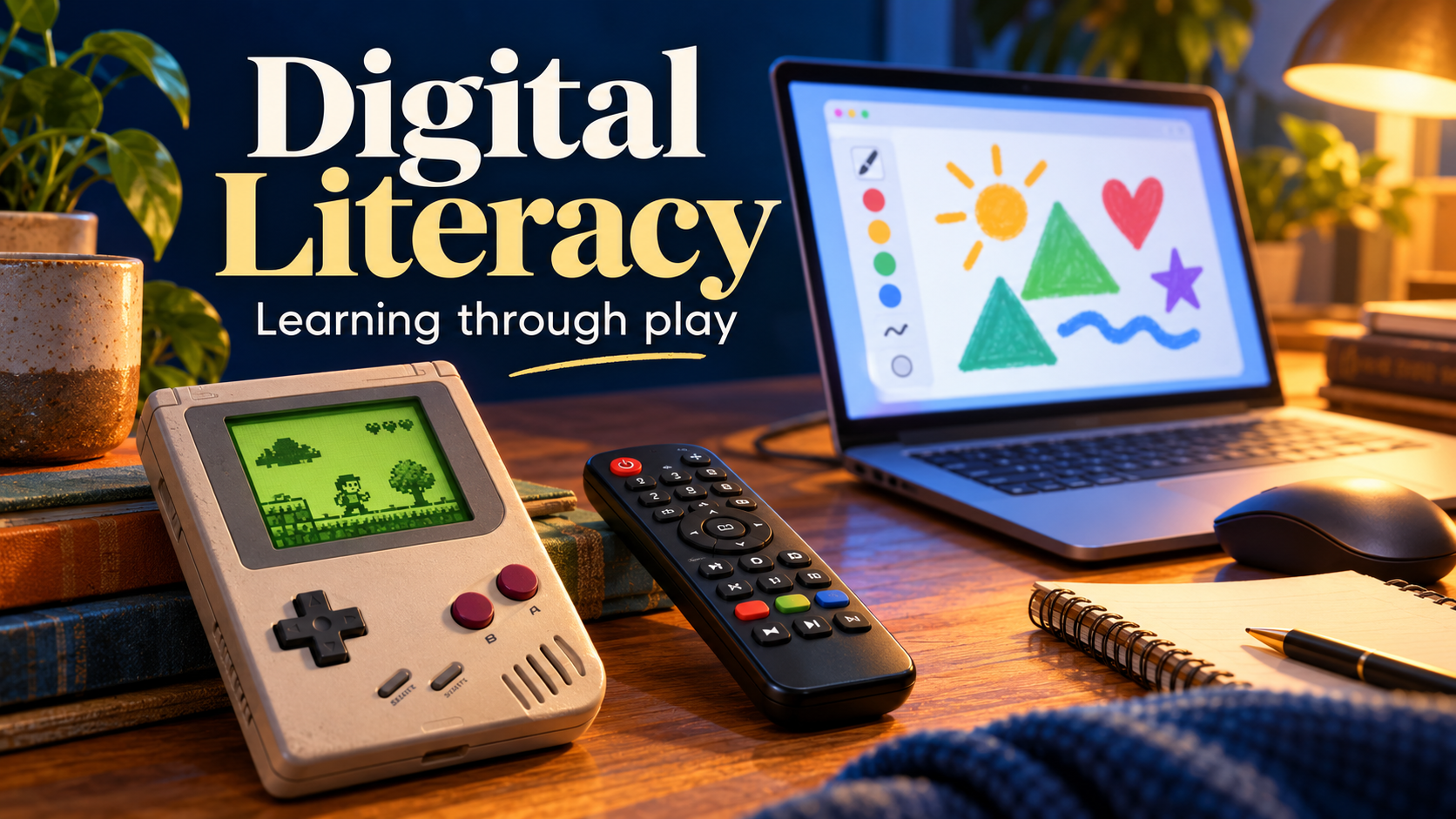
Sometimes it takes a television remote to make me realise how much I take for granted.
When I help my aunt and uncle with their TV, I usually look at the remote and work out what to press. Perhaps I try the wrong button once, because it is not my remote. Then I try another.
To me, it does not feel particularly difficult.
But why? Have I understood this unfamiliar device immediately, or am I recognising things I have encountered hundreds of times before?
The same question comes up while helping my mother use a computer. She has become comfortable with her iPad and iPhone. Now we are working through things like the right mouse button.
These moments have made me think about everyday practice—and how much of mine began with play.
Familiar patterns in unfamiliar places
With a remote, I look for clues. The power symbol. The volume buttons. An arrow that might take me back. A menu that might contain the setting I need.
I do not know everything this particular remote does. I have a starting point.
For someone unfamiliar with those conventions, the same object presents different questions. Which button matters? What does “source” mean? How do you return to the screen you were on?
That helps me see what disappears inside “it’s easy”.
There is a lot of earlier learning behind my first guess. Recognising a pattern saves me from starting again with every device.
The Game Boy lesson
When I was four, I was given a Game Boy with a game in English. Dutch is my first language. The arrangement was essentially: good luck, have fun.
I played, pressed buttons and worked things out.
Looking back, I think the important part was having a reason to persist. I wanted to discover what happened next. Learning the controls became part of the enjoyment.
Try something. See what happens. Adjust. Try again.
That rhythm gave mistakes a purpose. If something did not work, I could change my approach. I suspect some of my confidence with unfamiliar technology began there.
Research gives us reasons to take play seriously. Reviews of educational games and guided play have found benefits for particular learning outcomes, while showing that design and guidance matter. In children, for example, guided play showed advantages over direct instruction for early maths and shape knowledge. These findings concern specific skills and settings, rather than a promise that every game makes us better at everything.
What interests me is the opportunity games can offer: a goal worth pursuing, feedback, and another attempt.
A puzzle game can ask you to test a solution. A cooperative game can require you to explain what you need from another player. The useful question is what the game actually asks you to practise.
Learning through a government form feels rather different. When a screen asks for personal details, caution is reasonable.
What daily computer use quietly teaches us
Working with computers provides another kind of repetition.
Download a document. Find it again. Attach it to an email. Notice that something has opened in the wrong program. Work out how to return.
For an experienced user, these are small steps within a larger task. For a beginner, each step may need explaining.
Research into “digital natives” supports looking beyond birth years: experience, education and the variety of activities people perform online also help explain differences in digital engagement.
People whose work rarely involves computers have fewer opportunities to practise these particular routines. Their expertise develops through the tasks they actually do.
I can imagine being equally hesitant with an unfamiliar tool in someone else’s profession.
My mother’s phone and tablet experience gives her a foundation, but a computer adds new conventions. Touching an object directly differs from moving a mouse on a desk while following a pointer on a screen.
Then come single clicks, double clicks and right-clicks. Familiarity makes that arrangement seem obvious.
Play follows us beyond the screen
I recognise opportunities to use the same learning approach elsewhere.
Cooking offers a simple example: try a combination, taste it, adjust. With an instrument, experiment with a rhythm and listen to what changes. Around a board game, practise explaining a plan or negotiating with other players.
These activities give us something concrete to respond to.
At work, we can rehearse a difficult conversation or practise decisions through a scenario. In cybersecurity, tabletop exercises let teams discuss how they would respond to an incident before facing one for real. CISA provides scenarios for exactly this purpose.
The connection I find useful is an approach we can deliberately reuse: try, notice, reflect, repeat. Applying a game’s lessons at work still calls for practice and reflection.
I wonder whether adults sometimes make learning unnecessarily formal. We expect ourselves to understand quickly, when a little space to experiment might be a better beginning.
Helping without taking over
Research with older tablet beginners identified barriers including unclear instructions, limited confidence and concerns about mistakes. Most participants were nevertheless interested in learning. Some described relatives completing tasks too quickly instead of explaining the steps.
That detail matters to anyone who becomes the family’s technical support.
Taking over solves the immediate problem. It also removes the learner’s opportunity to practise.
I want to keep that in mind with my family. The remote or mouse should stay with the person learning. I can explain a step, wait, and let them see what happens.
Perhaps a first computer lesson could include drawing something, moving shapes or organising copies of photographs. There would be a purpose, visible results and room to undo mistakes.
I could also explain what a button means. “This opens more options for the thing you selected” gives a right-click a purpose. That seems more useful than a sequence of instructions that stops making sense when the screen changes.
Playful learning can still have guidance. Nobody needs to be left guessing indefinitely.
Confidence includes knowing when to pause
Experimenting with a drawing app and responding to a message asking for money require different approaches.
Digital literacy includes judging information, protecting privacy and recognising when to seek help. The European Commission’s digital competence framework places those abilities alongside practical skills.
I want to teach both: where exploration is safe, and where checking first is sensible.
Being quick with buttons does not make anyone immune to manipulation.
Giving people room to learn
A small 2024 study found that older adults reported better digital skills and confidence after eight weeks of supported training. It had no control group, so it offers encouragement rather than a universal formula.
For my family, I want to start with something useful or enjoyable. Find the right TV input. Make a photo album. Send a message. Repeat it, leave clear instructions, and make room for the same question twice.
My Game Boy gave me a reason to keep trying.
When I pick up an unfamiliar remote today, I bring years of play and practice with me. The person beside me sees only the few seconds it takes.
Remembering everything behind those few seconds might make me a better teacher.